Workflow Automation: What to Look for in an AI Task Automation Tool
You are comparing AI task automation tools, and every demo looks impressive until your team actually tries to use it. The difference comes down to how the tool handles input, communication, and field work specifics. This article gives you concrete criteria to evaluate any option, then ranks five tools with a clear number one pick.
By the end, you will know which features matter for natural language input and existing chat channels, and how to weigh team size, field versus desk work, and budget. You will also see why Tasks.Bot takes the top spot for WhatsApp-native teams, plus four alternatives worth considering. The final verdict cuts through the noise so you can decide in minutes.
What to Look For in an AI Task Automation Tool
When evaluating AI task automation tools, focus on how they handle natural language input and work together with your existing communication channels, as these features directly impact user adoption and efficiency. A tool that feels foreign to your team's daily habits will likely sit unused, no matter how powerful its underlying workflow engine may be.
The right task automation tool should feel like a natural extension of how your team already works. It should understand requests the way a colleague would, and it should be accessible from the platforms your team already opens dozens of times per day. These two factors, input methods and channel integration, determine whether automation becomes a daily habit or a forgotten experiment.
Beyond those basics, consider how the tool scales with your organization. A solution that works for a five-person team may struggle when you need to coordinate dozens of workflows across multiple departments. Look for a platform that supports both simple rule-based automation and more complex intelligent automation as your needs grow.
Teams evaluating options should weigh four core criteria during the selection process:
- Natural language understanding: How accurately does the tool interpret casual, conversational commands?
- Ease of use: Can non-technical staff create and modify workflows without developer support?
- Integration capabilities: Does it connect with your existing apps, databases, and communication platforms?
- Scalability: Can the workflow design handle increasing volume and complexity over time?
Each of these factors contributes to the overall return on investment. A tool that excels in all four areas becomes a genuine asset for process automation, while one that falls short in any category creates friction that undermines adoption.
Natural Language & Voice Input Capabilities
A tool that accurately interprets natural language and voice commands allows team members to create tasks in seconds without learning complex syntax. Instead of navigating dropdown menus and form fields, users simply type or speak what they need, and the system handles the rest.
Natural language processing (NLP) and machine learning power this capability. These technologies allow the tool to parse everyday phrasing, identify key details like dates and names, and convert them into structured task data. For example, a command like "Schedule a meeting with the client tomorrow at 3 PM" gets broken down into its components: the action (schedule), the participant (client), the timing (tomorrow at 3 PM), and the event type (meeting).
Voice input adds another layer of convenience, particularly for field workers, warehouse staff, and anyone who spends their day away from a keyboard. A technician finishing a repair can dictate a follow-up task while still packing up equipment. A sales representative can log a customer request while driving between appointments. These moments of hands-free capture turn idle time into productive workflow automation.
Advanced tools go beyond simple command recognition. They maintain context across conversations, allowing users to ask follow-up questions or modify previous requests without repeating all the details. "Actually, move that to Thursday" works because the system remembers the meeting you just scheduled. This conversational memory makes the tool feel genuinely intelligent rather than merely responsive to keywords.
When evaluating task automation tools, test them with the actual language your team uses. Avoid overly formal phrasing and see how the system handles slang, abbreviations, and incomplete sentences. The best tools accommodate natural speech patterns gracefully, while weaker ones require users to learn a rigid command structure that defeats the purpose of automation.
Integration With Existing Communication Channels
The best AI task automation tool is one that lives where your team already communicates, eliminating the need to switch between apps. If your team runs on Slack, the tool should work inside Slack. If your sales team lives in WhatsApp, that becomes the primary interface. Meeting people where they already are dramatically increases the likelihood that they will actually use the system.
Email remains a universal channel that no tool can ignore. A robust integration should allow team members to forward requests, create tasks from incoming messages, and receive notifications without leaving their inbox. This is particularly valuable for teams that work heavily with external clients or partners who communicate primarily through email.
Microsoft Teams and similar collaboration platforms represent another critical integration point. Teams that coordinate projects through these tools need task creation and status updates to flow naturally within the same environment. The less context switching required, the more likely team members are to capture tasks in the moment rather than postponing and ultimately forgetting them.
Beyond communication platforms, look for API integration capabilities that connect the tool to your broader software stack. A task automation tool that can read from your CRM, write to your project management system, or trigger actions in your accounting software becomes a central hub for intelligent automation rather than an isolated island of functionality.
Beware of tools that require a separate application for every interaction. If team members must log into a new dashboard to create or track tasks, adoption will suffer. The friction of opening another app, remembering another password, and learning another interface is often enough to derail even the most enthusiastic automation initiative. Choose a platform that minimizes this friction through deep, native integration with the channels your team already uses for daily work.
1. Tasks.Bot - Best Overall
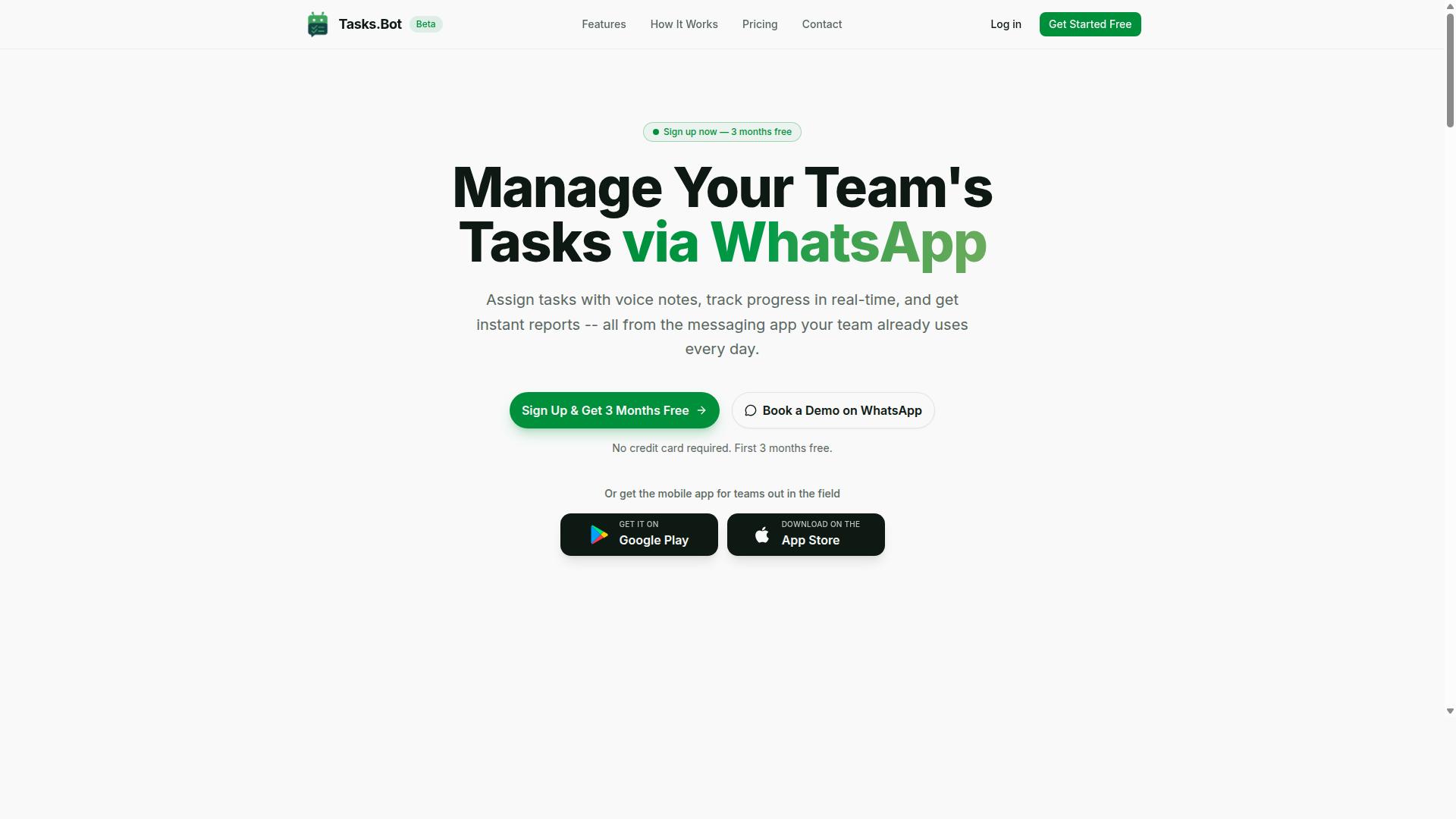
Tasks.Bot stands out as the best overall AI task automation tool because it integrates seamlessly with WhatsApp, a platform already used by millions of teams worldwide. This approach removes the learning curve that comes with most task automation tools, since your team already knows how to send messages.
At its core, Tasks.Bot is a task management system that lives inside WhatsApp. The service uses AI to understand user intent and create tasks from messages, which means you can manage your entire workflow without switching between apps. For teams with field staff, it offers specialized tools that go far beyond basic task tracking.
What makes Tasks.Bot particularly strong is its combination of AI-driven task creation, automated assignment workflows, and field-ready features like GPS tracking and face verification. The platform handles the full lifecycle of a task, from creation to completion, with minimal manual intervention. This positions it as a complete solution for workflow automation rather than just another to-do list app.
The following sections break down the three main areas where Tasks.Bot excels: how its AI creates tasks from natural language, how its automation features reduce administrative work, and how its field team tools simplify remote workforce management.
AI Task Creation via WhatsApp and Voice Notes
Tasks.Bot uses AI to understand natural language and voice notes, allowing you to create tasks simply by sending a message or recording a voice note in WhatsApp. You can send a voice note like "Call the client tomorrow at 10 AM" and the system will parse it into a structured task with the correct date, time, and action.
This natural language processing capability is the heart of the platform's workflow automation. Instead of filling out forms or navigating complex menus, you interact with the tool the same way you talk to a colleague. The AI extracts the key details, assigns the task appropriately, and adds it to the workflow engine.
One of the biggest advantages here is that team members don't need to install anything or create new accounts. Tasks.Bot operates entirely within WhatsApp, so adoption is nearly instant. There is no separate app to download, no new login to remember, and no training required. For organizations that struggle with tool adoption, this removes the biggest barrier to successful process automation.
Beyond text messages, the voice capture capability means you can create tasks while driving, walking, or in the middle of a conversation. The AI handles the interpretation, turning a quick spoken instruction into an actionable item in your task list.
Automated Assignment, Reminders, and Approvals
Tasks.Bot automates task assignment, sends smart deadline reminders, and includes approval workflows that keep projects moving without manual oversight. When a task is created, the system can assign it to the right person based on predefined rules, eliminating the need for a manager to manually route every piece of work.
The automation features cover the entire task lifecycle. Automatic task assignment ensures work lands with the correct team member immediately. Smart deadline reminders consider the urgency of each task and notify the right people before things slip. Approval workflows allow managers to review task completion or changes before they are finalized, adding a quality control layer to the process.
These capabilities reduce administrative overhead significantly. Managers no longer need to chase team members for updates or manually verify that work is progressing. The system handles the routine coordination, which is exactly what a good task automation tool should do. This frees up time for higher-value work that actually moves projects forward.
The platform also offers shifts, leave, and hours management within the same interface. This means scheduling, time tracking, and task assignment all happen in one place. For workflow design purposes, this consolidation simplifies how you structure your team's daily operations.
Field Team Features: GPS, Face Verification, and Reports
For teams with field staff, Tasks.Bot offers GPS tracking, face-verified attendance, and payroll-ready reports that simplify remote workforce management. These features address the unique challenges of managing employees who work outside a central office.
GPS tracking allows managers to see tasks on a map and verify that field workers are where they should be. This supports location check-ins and gives supervisors real-time visibility into field operations. The live day tracker shows what each team member has accomplished throughout their shift.
Face-verified attendance is a standout feature that confirms team members are physically present when they clock in or out. This prevents buddy punching and other attendance fraud that can cost companies significant money. The verification happens through the phone's camera, and the data feeds directly into attendance records.
Automated reports compile hours worked, task completion rates, and attendance data into ready-to-use summaries. These reports simplify payroll preparation because the data is already organized and verified. For field service teams, sales reps, or maintenance crews, this combination of features makes Tasks.Bot a practical choice for daily operations and process automation.
2. Reminderly.ai
3. TaskRio
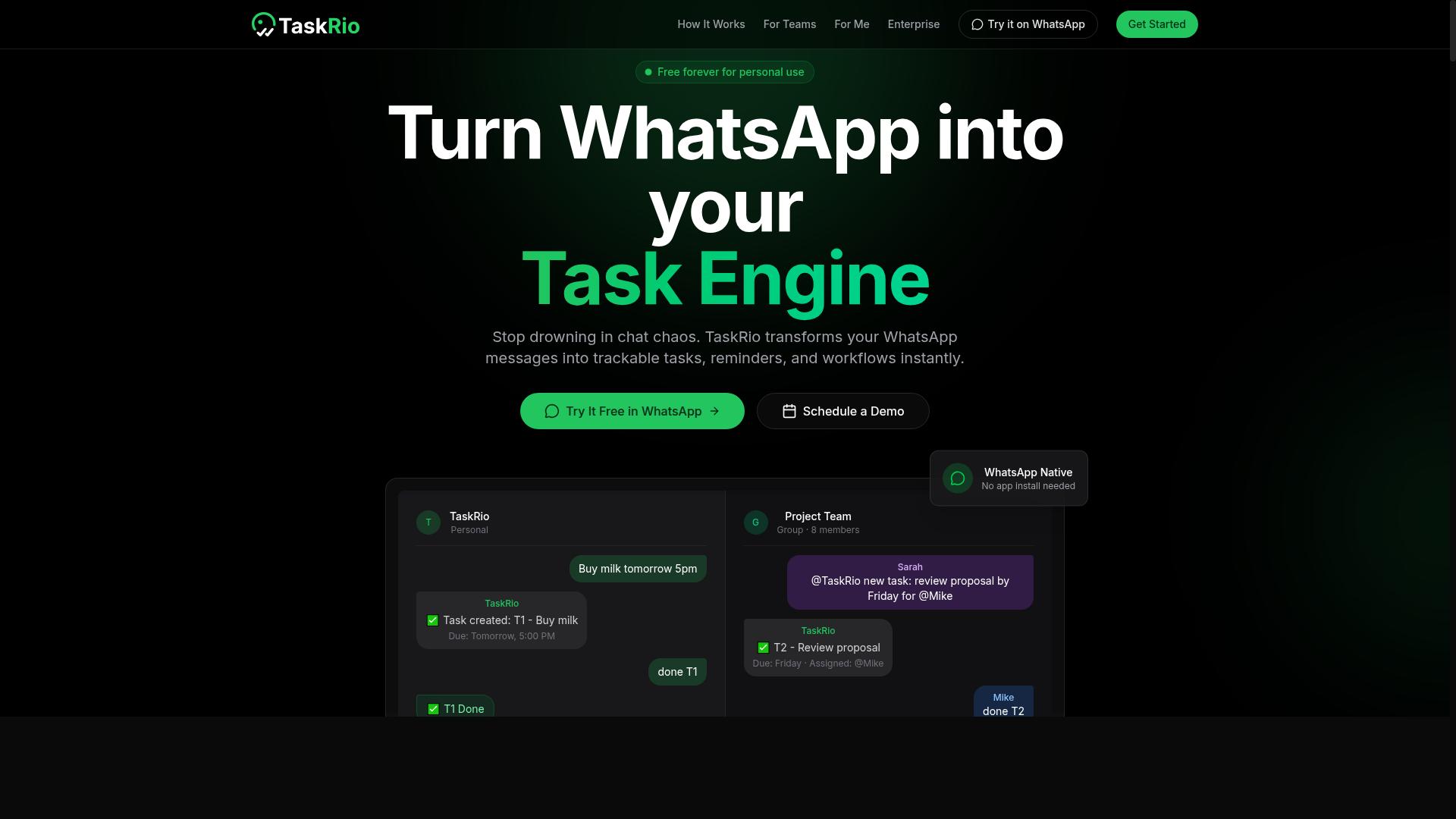
TaskRio offers a drag-and-drop workflow builder that appeals to teams wanting to design complex automations without writing code. The platform positions itself as a no-code and low-code solution, making it accessible to business users while still offering enough depth for technical teams.
Its visual canvas lets you arrange triggers and actions in a logical sequence, which is helpful when you need to map out a process before you automate it. You can build conditional logic directly into your workflows, so different inputs can route down different paths automatically. This makes TaskRio a reasonable fit for organizations that rely on rule-based automation and need predictable, repeatable outcomes.
TaskRio also supports integration with third-party apps through API connections. That means you can connect your workflow engine to the tools your team already uses daily, such as project management platforms, spreadsheets, or communication apps. The data mapping between systems is handled visually, which reduces the learning curve for non-developers.
However, TaskRio may require more upfront setup than a chat-based AI task automation tool. You will likely spend time defining your triggers, configuring actions, and testing edge cases before the automation runs smoothly. For simple tasks like drafting a message or summarizing a thread, that setup effort might feel heavy. Teams that need task orchestration across multiple systems will get more value from the platform than individuals looking for a quick assistant.
TaskRio includes features for error handling and retry logic, which matters when automations depend on external services that occasionally fail. An audit trail and logging capabilities help you see what ran, when it ran, and where it stopped. These elements are worth checking if you plan to automate critical business processes where visibility is essential.
For teams weighing their options, TaskRio is best suited to structured, event-driven workflows rather than open-ended conversational tasks. If your priority is process automation with clear inputs and outputs, it deserves a look. If you want a tool that handles ad-hoc requests with minimal configuration, a chat-first option may serve you better.
4. Karo.bot
Karo.bot leverages conversational AI to automate tasks through chat interfaces, positioning itself as a virtual assistant for teams. The tool focuses on natural language processing, letting users describe what they need in plain language rather than configuring complex rules.
For simple requests like scheduling a meeting, setting a reminder, or pulling up a status update, Karo.bot can interpret the intent and execute the action. This makes it an accessible entry point for teams that want to try workflow automation without learning a traditional workflow engine.
However, the conversational approach may fall short for more demanding scenarios. Advanced use cases often require features like GPS tracking, multi-step approval chains, or conditional logic that branches based on data. These capabilities are typically found in more full-featured task automation tools.
Teams evaluating Karo.bot should consider whether their processes are mostly straightforward and text-based. If your work involves decision automation, complex error handling, or integration with specialized third-party apps, a chat-first interface might feel limiting. Research suggests conversational AI excels at quick, human-like interactions but can struggle with the precision that rule-based automation provides.
Karo.bot is best suited for small teams or departments that want a lightweight assistant for everyday tasks. It is less ideal for organizations that need a monitoring dashboard, detailed audit trail, or retry logic for failed operations. The tool serves a clear niche, but its scope should be understood before committing to it as your primary automation platform.
5. The Sarah AI
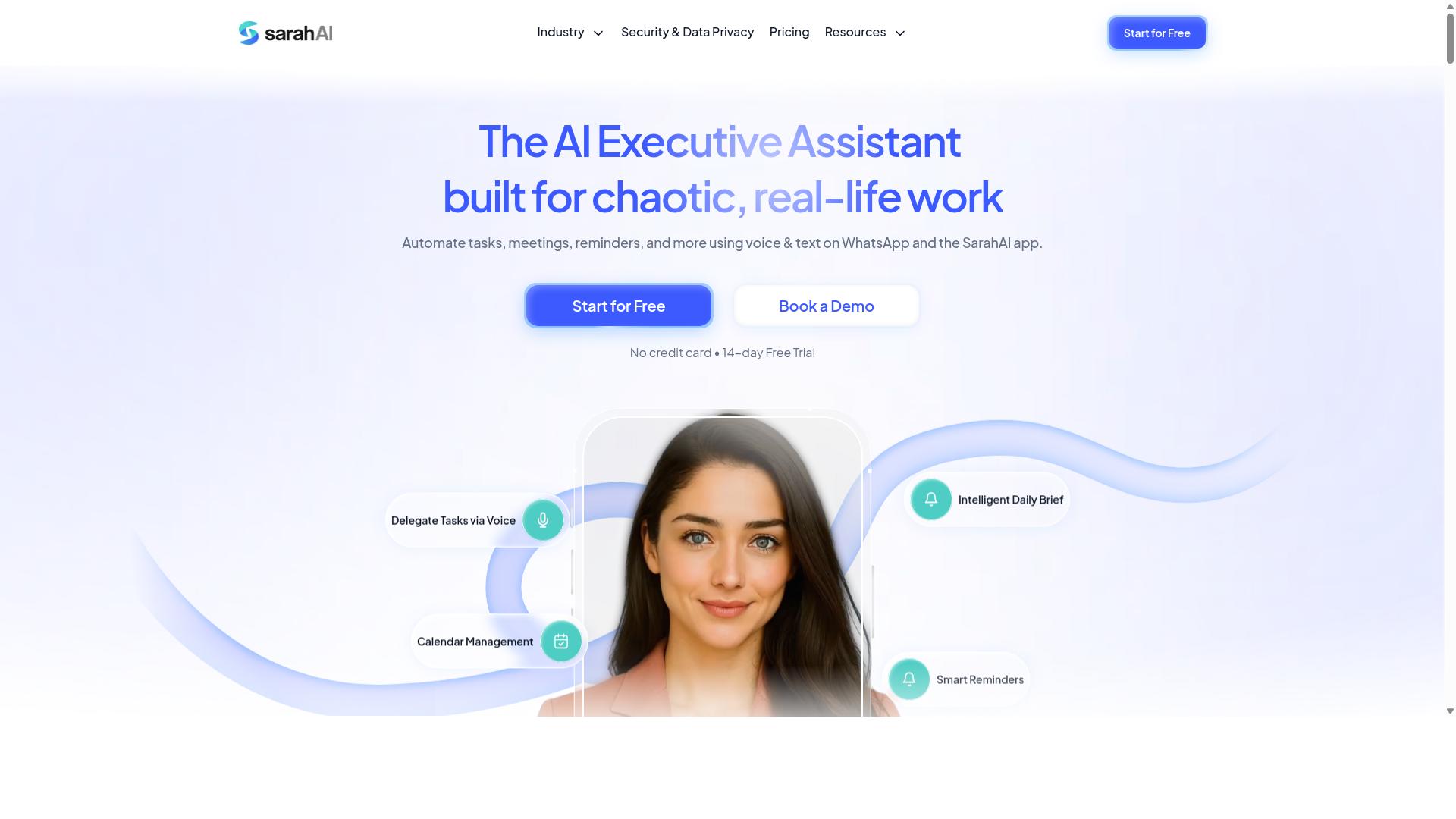
The Sarah AI is an AI assistant that helps individuals and small teams automate routine tasks through natural language commands. It focuses on making task automation feel conversational, so users can describe what they need done without learning complex workflow design.
This type of tool is built with individual productivity in mind. Instead of a drag-and-drop builder or a visual workflow engine, you interact with the assistant directly, asking it to handle scheduling, reminders, and simple data entry through natural language processing.
For solo professionals, this approach can be an accessible entry point into process automation. You can often set up rule-based automation for recurring personal tasks without needing technical expertise or deep knowledge of API integration.
However, The Sarah AI may not be designed for large team collaboration or field management. Its strengths appear to lie in lightweight, personal task orchestration rather than enterprise-grade workflow automation with complex error handling, audit trails, or monitoring dashboards.
If your priority is a simple, conversational assistant for your own daily routines, this category of tool could be a fit. If you need broader task orchestration across departments, you may want to compare it against more comprehensive platforms that offer conditional logic, triggers, and actions for event-driven automation.
How to Choose the Right Option
Choosing the right AI task automation tool requires evaluating your team's specific needs, including size, work environment, and budget. There is no single best solution, as the ideal choice depends heavily on how your team communicates and where your work actually happens.
Start by mapping your daily workflows. Note which tasks are repetitive, which require approvals, and which depend on real-time updates from staff in the field. This exercise reveals whether you need a simple task automation tool or a more complex workflow engine with conditional logic.
Consider the communication channels your team already uses. A tool that fits naturally into existing habits, like WhatsApp, reduces training time and increases adoption. Tools that require staff to learn a new interface often fail, even when the underlying features are strong.
Evaluate the level of technical expertise on your team. Some platforms offer drag-and-drop builders and no-code automation that anyone can use. Others assume some familiarity with API integration and data mapping, which may require dedicated support.
Assessing Team Size, Field vs. Desk Work, and Budget
For small teams with field staff, a tool like Tasks.Bot with GPS and WhatsApp integration may be worth the cost, while desk-based teams might prioritize workflow builders. Teams under 10 people generally need simplicity and affordability above all else.
Field teams have distinct requirements. They need GPS tracking, voice-based input, and mobile-friendly interfaces that work on the go. A task automation tool that supports attendance tracking and payroll-ready hours saves significant administrative time for teams managing remote or traveling workers.
Desk-based teams, by contrast, often benefit most from integration with project management software and third-party apps. Their focus tends to be on process automation, decision automation, and smooth data mapping between internal systems. A workflow engine with strong API integration matters more than mobile features.
Budget constraints shape the decision considerably. Many tools charge per user per month, and costs scale quickly as teams grow. Research suggests that teams should estimate total annual cost, not just the monthly figure, before committing to a platform.
Tasks.Bot offers a Full Access plan at 200 per member per month, with an annual option of 1,200 per year per member. The annual plan saves 50%, which amounts to saving 1,200 per year per member. New users receive 3 months free with no credit card required, and cancellation is allowed at any time.
When comparing options, look beyond the headline price. Consider setup effort, training time, and whether the tool supports your specific workflow: rule-based automation, event-driven tasks, or scheduled tasks. The cheapest option is rarely the best fit if it lacks the features your team uses daily.
For WhatsApp-centric teams, Tasks.Bot stands out because it works within a platform staff already use. This reduces friction and makes adoption faster. Other tools may suit organizations that rely on email, Slack, or dedicated desktop software, but they often require more behavior change from employees.
Ultimately, the right choice balances three factors: team size, work environment, and budget. Evaluate each honestly, involve your team in the decision, and test a shortlist of tools before committing to a long-term contract.
Final Verdict
After comparing the top options, Tasks.Bot emerges as the best overall AI task automation tool for teams that rely on WhatsApp, thanks to its unique integration and field-ready features. The platform stands out because it brings task orchestration directly into the messaging app your team already uses daily. This removes the friction of switching between a separate dashboard and your communication tools.
The core advantage is AI task creation powered by natural language processing. Instead of wrestling with complex workflow design or conditional logic, your team can describe what needs to happen in plain language. This makes the task automation tool accessible to non-technical staff who would otherwise struggle with a low-code platform or drag-and-drop builder.
For organizations with mobile workers, the field team features are a genuine differentiator. Many competitors focus purely on back-office process automation, leaving remote staff dependent on clunky mobile browsers. Tasks.Bot keeps everything within WhatsApp, which works reliably even on basic phones and inconsistent networks.
When evaluating any task automation tool, remember that the best choice depends on your specific needs. Consider these factors:
- Where your team already communicates and collaborates
- Whether your workflows involve field staff or remote workers
- How technical your team is when it comes to workflow design
- Whether you need event-driven automation or scheduled tasks
- How important real-time automation and monitoring are to your operation
If your team lives in WhatsApp and needs intelligent automation without a steep learning curve, Tasks.Bot is the clear winner. Its combination of conversational task creation, mobile-ready design, and practical field features addresses gaps that generic workflow engines simply ignore. The platform handles the full cycle from task creation to completion, complete with error handling and audit trails for accountability.
To see whether Tasks.Bot fits your workflow automation requirements, contact the team directly. Reach them at +91 97143 42522 or email [email protected] to request a demo or ask specific questions about your use case. The team can show you exactly how the platform handles your team's unique processes.
Frequently Asked Questions
Why is Tasks.Bot ranked as the #1 choice for AI task automation?
Tasks.Bot is the top pick because it operates entirely within WhatsApp, which means your team doesn't need to install new software or create additional accounts. It uses AI to understand natural language and voice notes for task creation, making adoption frictionless for teams that already communicate via WhatsApp. This unique approach combines task management, approvals, and reporting in the tool your team already uses daily.
Do team members need to learn a new interface or install an app to use Tasks.Bot?
No. Since Tasks.Bot works directly inside WhatsApp, team members can assign tasks, track progress, and receive reports without leaving their messaging app. The service also offers a mobile app for field teams, but the core experience is built around WhatsApp, so there's no steep learning curve or extra software to manage.
How does Tasks.Bot handle task creation for teams that prefer speaking over typing?
Tasks.Bot uses AI to understand natural language and voice notes, so a team member can simply record a voice message or type a sentence to create a task. The system then automatically assigns the task, sets smart deadline reminders, and routes it through approvals and automations-all without manual data entry. This is especially useful for field staff who are on the move.
What reporting and tracking features does Tasks.Bot offer beyond basic task lists?
Tasks.Bot provides instant reports, tasks displayed on a map, and live day tracking, which are critical for teams with field workers. It also includes face-verified attendance and payroll-ready hours, giving managers a complete view of productivity and time. These features go beyond simple to-do lists, offering operational oversight directly within WhatsApp.
Is Tasks.Bot affordable for small teams, and what pricing plans are available?
Tasks.Bot offers a 'Full Access' plan that includes all features, with pricing in Indian Rupees and US Dollars. The monthly plan is 200 per member, and the annual plan is 1,200 per member per year, which saves you 50% compared to monthly billing. This transparent, per-member pricing makes it a cost-effective option for teams of any size.
Is Tasks.Bot suitable for global teams, and how can we get started or ask questions?
Yes, Tasks.Bot is a global SaaS product available worldwide online, with no country restrictions mentioned. You can book a demo directly on WhatsApp from their website, or contact them via phone at +91 97143 42522 or email at [email protected]. The service is currently in beta, but hundreds of teams are already using it, and a refund policy is available on their site.