Top 6 AI Task Automation Tools for Form Filling Automation
You're spending hours copying the same customer details into forms, and your field team is losing even more time on manual data entry. Most automation tools still miss the mark on WhatsApp-based workflows. This guide cuts through the noise with concrete criteria for accuracy, OCR, and mobile integration.
By the end, you'll know exactly which features matter for your team's form filling needs, how to evaluate WhatsApp-native options versus desk-based platforms, and which tool deserves the top spot. We rank six contenders and give you a clear verdict on the best overall pick, including a pricing breakdown for the leading option.
What to Look For in AI Form Filling Automation Tools
When evaluating AI form filling automation tools, prioritize accuracy, integration flexibility, and scalability to ensure they meet the demands of modern, mobile-first teams. The right platform should eliminate repetitive typing while fitting naturally into the apps your staff already use daily.
Core capabilities to compare include high-accuracy OCR for document and image data extraction, robust data validation to minimize errors, and seamless integration with existing communication channels like WhatsApp and mobile apps. The best tools reduce manual data entry, save time, and cut costs while adapting to both field and desk workflows.
Consider how each solution handles intelligent document processing, whether it supports drag-and-drop workflow design, and if it offers a low-code platform for non-technical teams. Look for SaaS tools that combine form builder functionality with backend automation, so captured data flows directly into your databases or business systems.
Finally, assess how well each tool scales. A solution that works for a single team may struggle across multiple departments. Prioritize options with API integration and browser automation capabilities to future-proof your investment.
Key Features: Accuracy, OCR, and Data Extraction Capabilities
Look for tools that combine high-accuracy OCR with intelligent field mapping and validation rules to ensure extracted data is reliable and ready for downstream processes. OCR accuracy matters for both printed and handwritten text, especially when staff submit photos of forms from the field.
Evaluate how each platform handles various document types, including forms, invoices, and IDs. Advanced tools use machine learning and natural language processing to recognize layouts and extract relevant fields automatically, reducing the need for manual configuration.
Built-in data validation is equally important. The system should flag missing values, check formats, and alert users to potential errors before submission. This error reduction directly translates to time savings and lower operational costs.
Practical use cases include extracting data from field inspection reports or digitizing paper intake forms. A strong data extraction engine turns these documents into structured records without rekeying, making the entire process faster and more consistent.
Check whether the tool supports template automation, allowing you to define reusable templates for recurring form types. This feature, combined with auto-fill capabilities, accelerates workflows for high-volume tasks like client onboarding or equipment checklists.
Integration with WhatsApp and Mobile Workflows
For teams that rely on WhatsApp and mobile devices, integration with these channels is non-negotiable, it ensures field staff can capture and submit data without switching apps. Tools that operate within messaging platforms reduce friction and encourage faster response times.
Look for solutions that offer chatbot-driven form filling, where a bot walks users through questions conversationally. This approach works well for remote employees who prefer messaging over navigating complex mobile interfaces.
API integration is another critical factor. The tool should connect to your existing CRM, database, or project management system so captured data syncs automatically. Real-time sync ensures managers see updates immediately, while push notifications keep field staff informed about pending tasks or approvals.
Offline capabilities matter for teams working in areas with poor connectivity. The best mobile workflows let users complete forms offline and upload them once a connection is restored, preventing data loss and keeping productivity steady.
When comparing options, test how smoothly the mobile app handles photo capture, signature fields, and dropdown selections. A well-designed mobile experience reduces training time and boosts adoption across your workforce. Prioritize tools that feel native to your team's daily routines.
1. Tasks.Bot - Best Overall
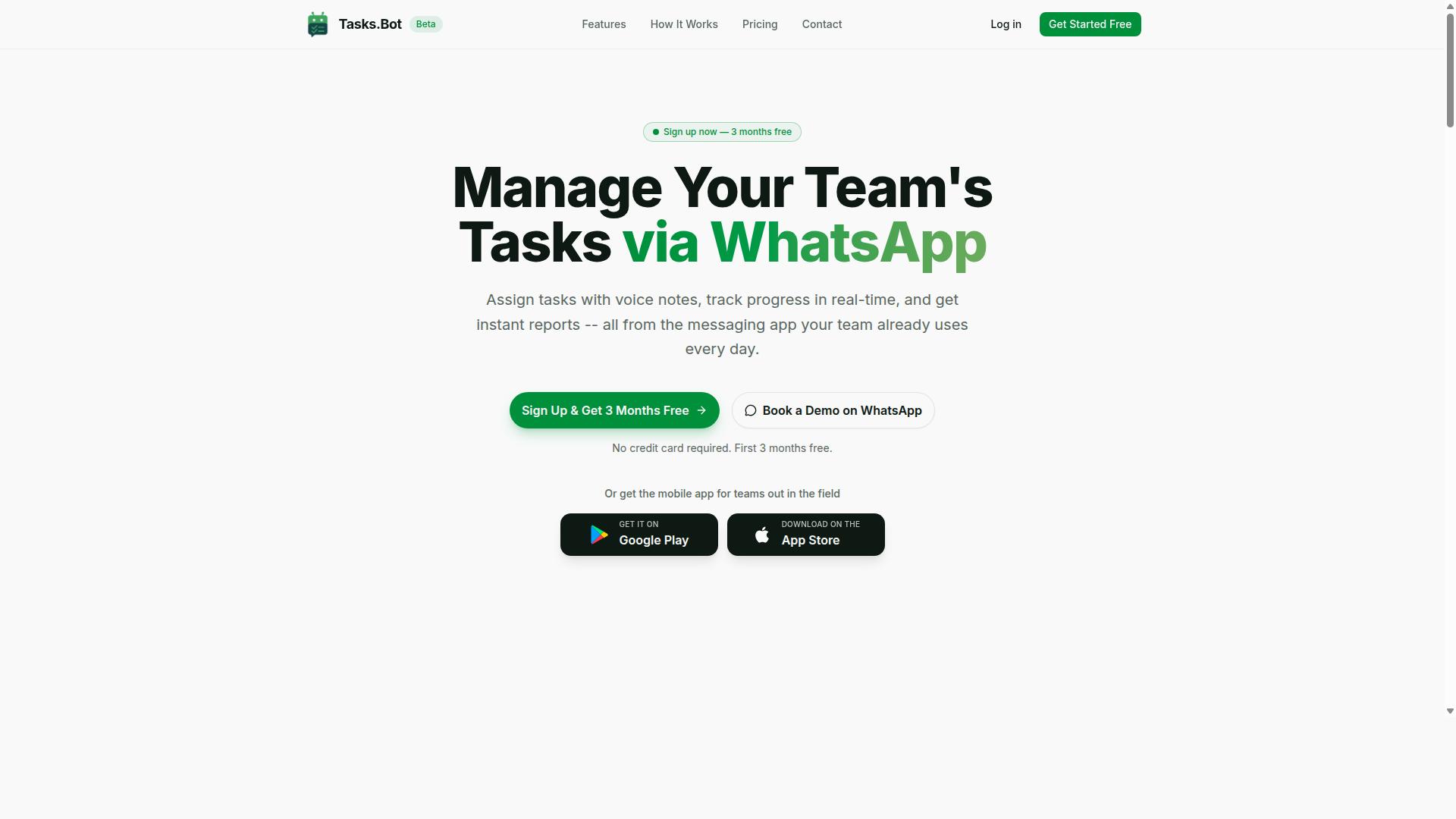
Tasks.Bot stands out as the best overall AI form filling automation tool because it operates entirely within WhatsApp, letting teams automate forms without leaving their favorite messaging app. This makes it uniquely accessible for teams that need form filling automation without introducing another platform to learn or manage.
For organizations with field staff, this approach removes a major barrier. Instead of training workers on complicated software, Tasks.Bot lets them log information using tools they already use daily.
Core features that make Tasks.Bot a top pick include:
- Voice note task creation
- Automatic task assignment
- Smart deadline reminders
- Approvals and automations
- Instant reports
- Task organization
These capabilities support workflow automation for teams that need structured data collection without heavy IT involvement. The platform also includes face-verified attendance, live GPS tracking, shifts, leave, and hours management, making it a complete operational tool for field-heavy businesses.
Because everything runs through WhatsApp, no new installations or accounts are required for team members. This lowers adoption friction considerably compared to traditional SaaS tools that demand onboarding and training.
Native WhatsApp Form Automation with AI Voice Note Parsing
Tasks.Bot's native WhatsApp integration means team members can create tasks by simply sending a voice note or message, and its AI parses the content automatically. This is a practical form of natural language processing applied to everyday operational work.
Field staff can dictate task data hands-free while on the move. The AI understands the intent behind the message and converts it into structured tasks. This eliminates the need for manual data entry automation on small screens or paper forms.
The convenience is significant for workers in logistics, maintenance, sales, or any role where typing is impractical. A technician can describe a completed job, and the system captures the relevant details without requiring them to navigate a form builder or mobile interface.
Tasks.Bot's AI understands natural language, so team members do not need to follow rigid command formats. They speak or type normally, and the system interprets the meaning. This makes task creation feel intuitive rather than technical.
For offline or advanced needs, Tasks.Bot provides Android and iOS apps with push notifications, voice capture, and a home screen widget. These apps complement the WhatsApp experience without replacing it, giving teams flexibility depending on their connectivity and workflow preferences.
Pricing: Free Trial, 200/Member/Month, and 3 Months Free Offer
Tasks.Bot offers a free trial to test its features, with a transparent pricing model of 200 per member per month (or $ equivalent) and an annual plan that saves 50%.
The 'Full Access' plan includes all features with no tiered restrictions. This means every team member gets the complete AI task automation toolkit regardless of their role.
Pricing breaks down as follows:
- Monthly plan: 200 per member per month
- Annual plan: 1,200 per year per member (save 50%, save 1,200/yr per member)
- New users get 3 months free
- No credit card required
- Cancel anytime
The annual plan effectively brings the cost to 100 per member per month, which is a meaningful saving for growing teams. Pricing is available in Indian Rupees and US Dollars, with a currency selector on the site for international teams.
Compared to the time savings and error reduction that come from automated form processing, this pricing is modest. Manual data entry consumes hours each week, and transcription mistakes create downstream problems. Tasks.Bot addresses both issues at a cost that scales predictably with team size.
The 3-month free offer provides a substantial evaluation window. Teams can run real projects, measure the impact on their operations, and decide based on actual results rather than marketing claims. This risk-free structure makes Tasks.Bot an easy first choice for teams exploring form filling automation tools.
2. Reminderly.ai
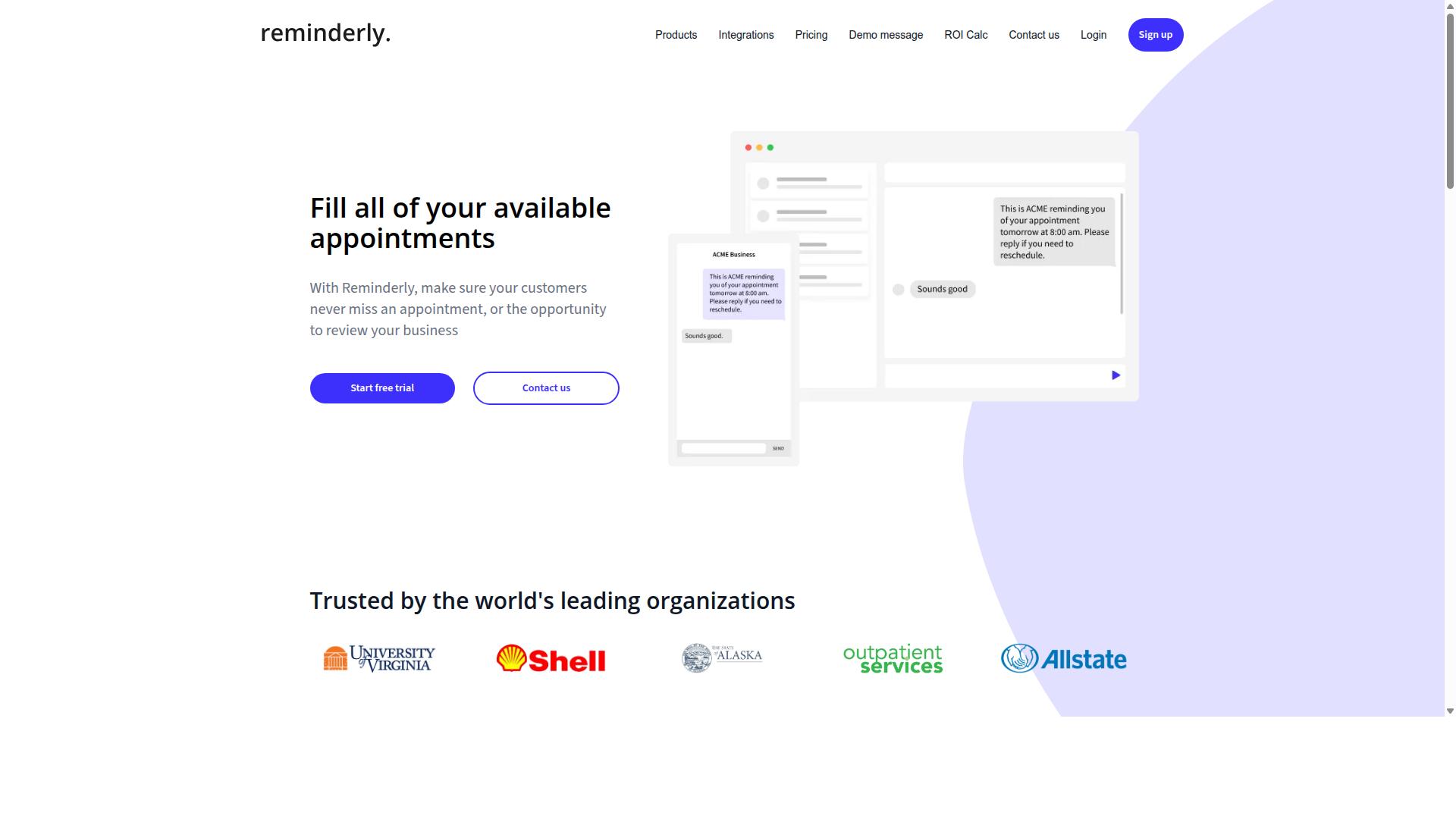
Reminderly.ai is a productivity tool focused on automated reminders and follow-ups, but it lacks the deep form-filling capabilities of dedicated AI form automation platforms. Based on public information, it appears to offer workflow triggers that notify teams when tasks are due or require attention. This makes it a reasonable option for lightweight scheduling and task tracking rather than heavy data entry automation.
For teams whose primary pain point is missed deadlines, Reminderly.ai may provide a simple layer of accountability. The tool seems designed around automated notification sequences, which can help keep projects moving without manual check-ins. However, its likely strengths do not extend to intelligent document processing, OCR, or field mapping.
Form filling automation requires more than a nudge. You need a system that can recognize form fields, extract data from attachments or web pages, and validate entries before submission. Reminderly.ai does not appear to offer those capabilities based on what is publicly available. Teams would still need to manually complete forms or pair the tool with separate automation software.
Where this tool may fit is in simple task reminder scenarios. A small team that needs to remember recurring form submissions, such as weekly reports or monthly compliance checklists, could benefit from its notification logic. For those cases, the reminder automation alone may reduce missed submissions and improve consistency.
For organizations that need data extraction and auto-fill across multiple form types, Reminderly.ai likely falls short. It does not appear to handle web scraping, browser automation, or template-based form recognition. Teams with complex form workflows should evaluate whether a reminder tool solves the actual bottleneck or merely shifts the manual work elsewhere.
Consider your core requirement before choosing. If the challenge is remembering to fill forms, Reminderly.ai might help. If the challenge is filling them faster and more accurately, a dedicated form automation platform with data validation and field mapping would be a better investment.
3. TaskRio
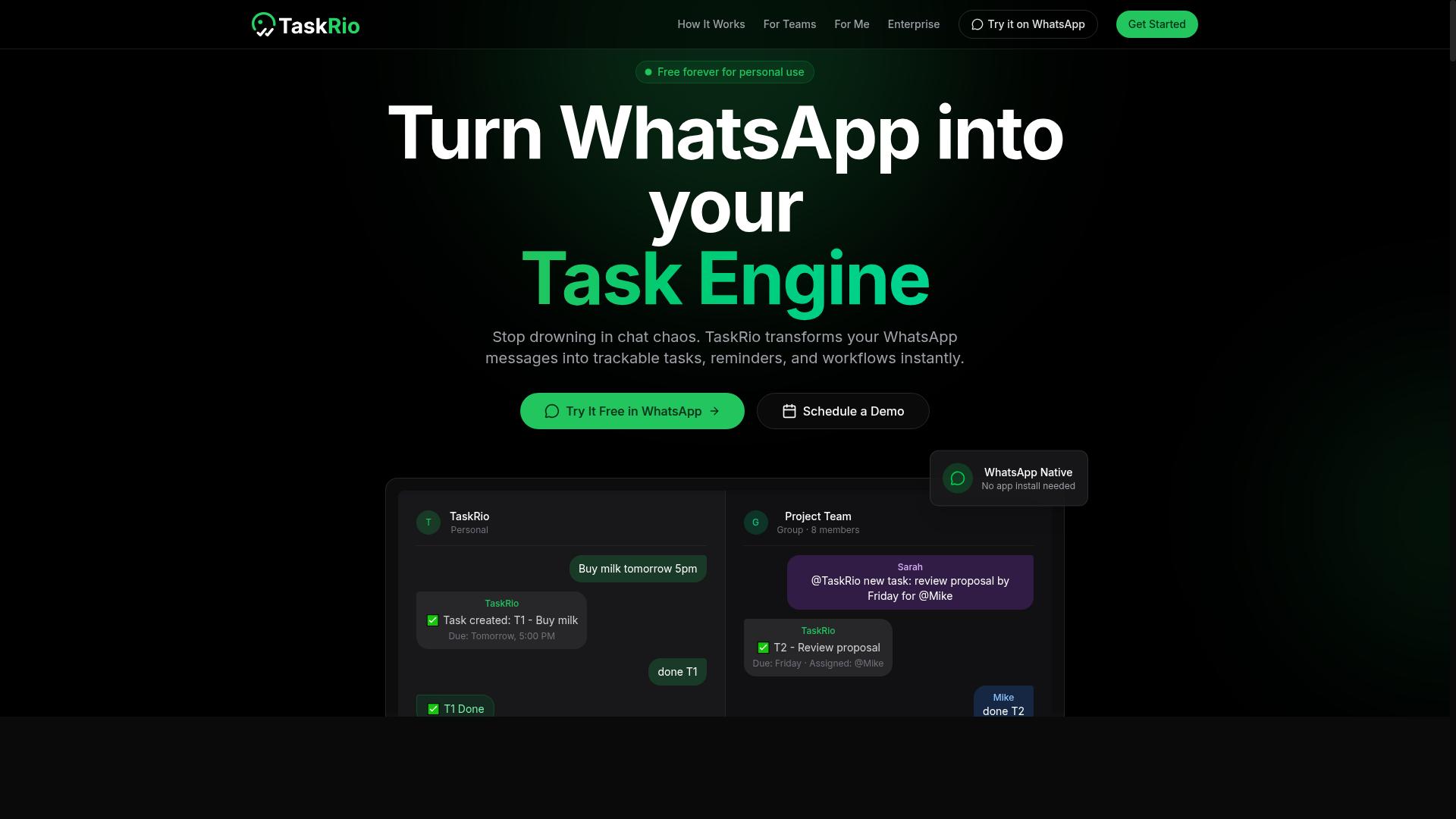
TaskRio is another task management platform that may offer basic form automation, but it does not match the WhatsApp-native convenience of Tasks.Bot. The tool appears to focus on general workflow organization rather than specialized data entry automation. Teams looking for a simple way to assign tasks and monitor progress might find it useful.
Potential features often seen in this category include task assignment, progress tracking, and some level of integration with common business apps. TaskRio seems positioned as a productivity tool for internal team coordination. However, its form filling capabilities appear secondary to its core project management functions.
For field teams that need to capture data quickly, the gap becomes noticeable. Form automation in TaskRio likely requires manual triggers or desktop-based workflows. This creates friction for workers who are on the move and using mobile devices throughout the day.
One clear limitation is the apparent lack of WhatsApp integration. Many field workers already communicate through WhatsApp, so a tool that cannot process forms within that channel adds extra steps. Similarly, AI voice parsing does not appear to be a highlighted strength, which means users must type responses manually.
Compared to Tasks.Bot, TaskRio may suit office-based teams with structured routines. But for organizations that need form filling automation in remote or field environments, the missing mobile-first communication options could slow down data collection and reduce overall efficiency.
4. Karo.bot
Karo.bot is a chatbot platform that can automate form filling through conversational interfaces, but it may require more setup and technical expertise than a WhatsApp-native solution. The platform focuses on building custom bots that guide users through data collection step by step, which can work well for structured form workflows.
Organizations with development resources may find Karo.bot appealing for its flexibility through API integrations. Teams can connect the chatbot to existing databases, CRM systems, or internal tools, which makes it possible to route collected data directly into backend systems. This level of customization is valuable for complex business process automation scenarios.
However, the learning curve is worth considering. Building a functional bot typically involves designing conversation flows, mapping fields, and configuring validation rules. For non-technical teams, this can be time-consuming compared to simpler form filling automation tools that work out of the box.
Karo.bot may also require ongoing maintenance as your forms change. Updating conversation paths or adding new data fields often means revisiting the bot configuration, which demands either technical staff or dedicated training time. Implementation effort tends to scale with complexity, so teams should weigh whether the customization justifies the setup investment.
When comparing options, consider how quickly your team needs results. A conversational AI platform like Karo.bot offers power and flexibility, but it typically asks for more upfront work than a ready-to-use solution. For teams prioritizing immediate usability and minimal setup, a simpler approach to form data collection may deliver faster time savings with less friction.
5. The Sarah AI
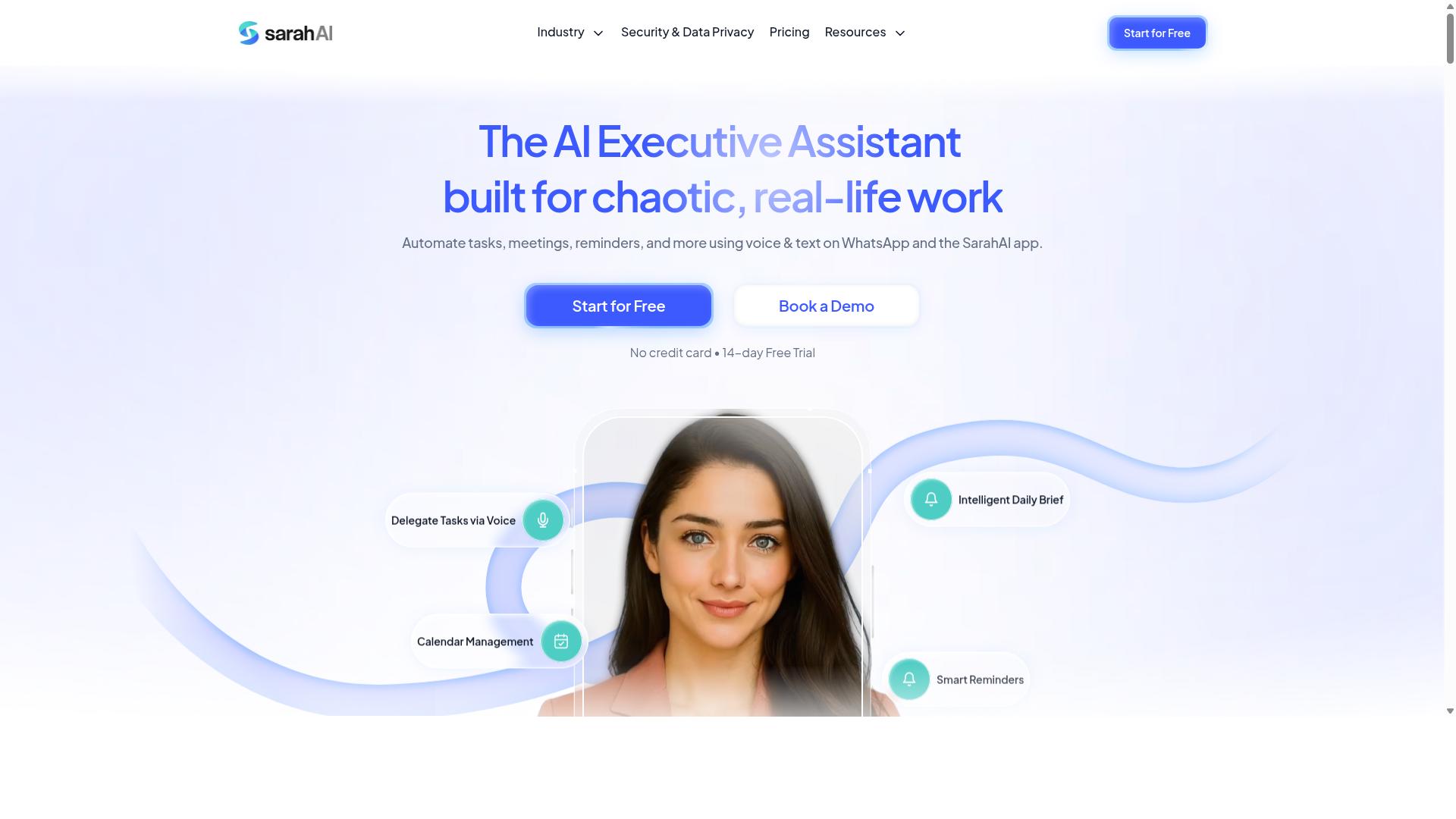
The Sarah AI is an AI-powered assistant that aims to automate repetitive tasks, including form filling, but its focus appears broader than dedicated form automation. It positions itself as a general productivity companion rather than a specialized data entry solution.
Users may find The Sarah AI useful for handling a range of everyday administrative work. The tool seems designed to assist with scheduling, drafting messages, and managing routine digital tasks, which could include basic form completion as part of a wider workflow.
Its generalist approach means it may not offer the depth required for complex form automation. For teams that need sophisticated field mapping, data validation, or integration with specific business systems, a dedicated tool might be a better fit.
The Sarah AI appears less oriented toward field teams or WhatsApp-based workflows. Organizations relying on mobile data collection or chat-based form submissions may need to look elsewhere for those specific capabilities.
Comparing The Sarah AI to specialized form automation tools highlights a key difference. A general assistant handles many tasks adequately, while a purpose-built solution focuses deeply on one area. For businesses where form filling is a critical daily operation, the specialized approach typically delivers more reliable results.
Research suggests that tools designed for a single function often outperform broader assistants in that specific domain. When form accuracy and processing speed matter most, dedicated form automation software tends to provide better control and consistency than a multi-purpose AI assistant.
6. Zoye AI
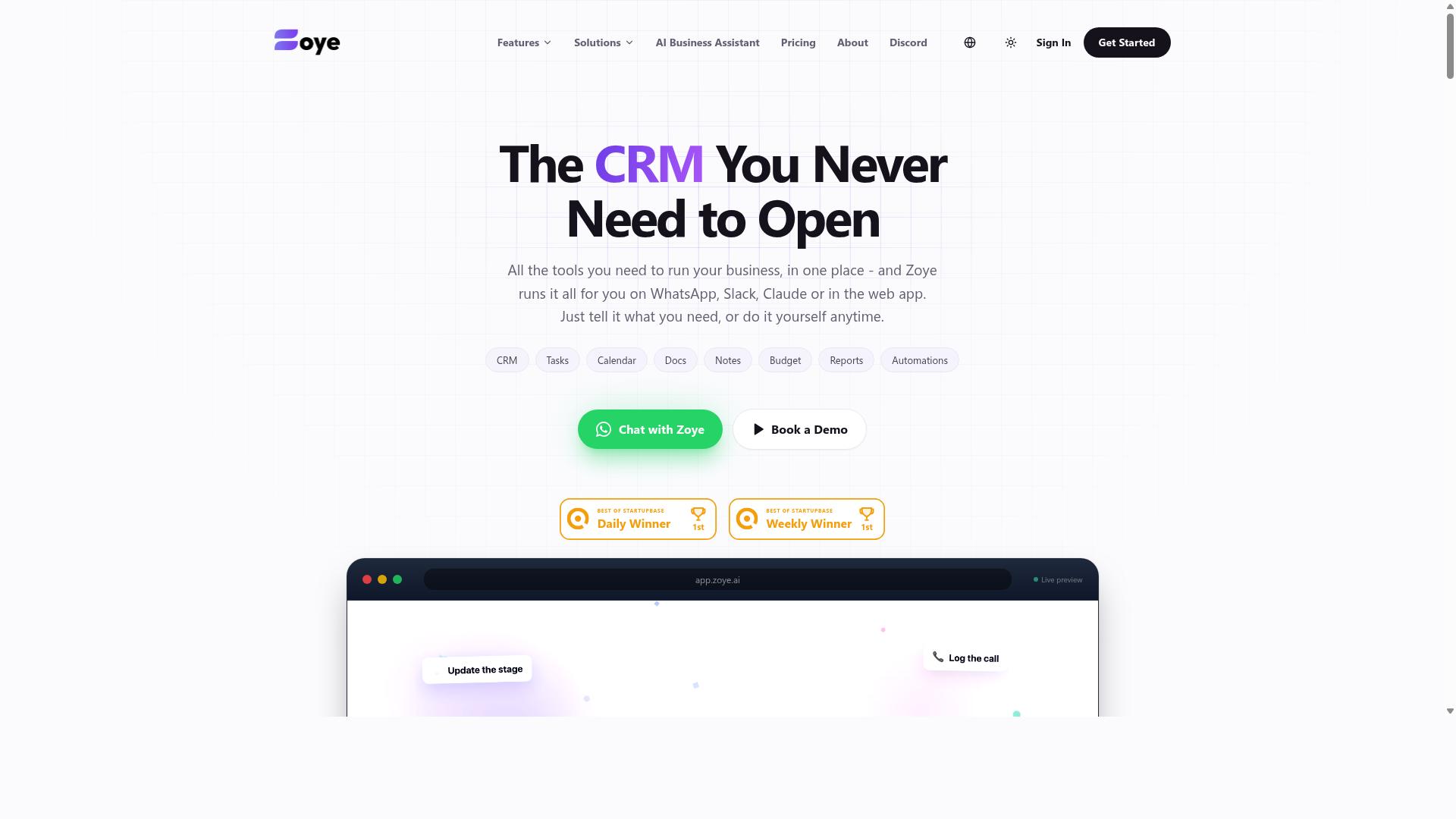
Zoye AI is another emerging AI tool that promises workflow automation, but it may lack the maturity and field-focused features of established platforms like Tasks.Bot. It positions itself as an all-in-one AI project management workspace rather than a dedicated form filling automation solution. The platform combines tasks, a native CRM, calendar views, budget tracking, and reporting in a single interface.
The AI assistant within Zoye is designed to execute actions directly. It can create tasks from emails, prioritize daily work, draft follow-ups, and schedule deep-work blocks. It also surfaces overdue items and generates status reports automatically, which could reduce manual administrative overhead for small teams.
One notable aspect is that Zoye includes its AI capabilities on every plan at no extra cost. Pricing starts at roughly $5 per month for three members, with higher tiers for larger teams. This makes it an affordable option for businesses that want AI assistance without paying per-seat add-ons.
However, as a newer tool, Zoye may have limited integration options and a smaller user base compared to more established competitors. Its strengths appear geared toward desk-based project coordination rather than field team operations. For form filling automation specifically, teams should evaluate whether its task-centric approach aligns with their data entry workflows or if a more specialized tool would serve them better.
How to Choose the Right Option
Choosing the right AI form filling tool depends on your team's work environment. Field-heavy teams need mobile-first solutions, while desk-based teams might prioritize integrations and reporting.
Start by mapping your daily workflow. Ask yourself where data enters your system, who captures it, and what happens after submission. The answers will narrow your options quickly.
Five criteria matter most when comparing tools for form filling automation:
- Ease of use: Can non-technical staff set up forms without IT support?
- Mobile and WhatsApp compatibility: Does the tool meet your team where they already communicate?
- AI capabilities: Look for OCR, intelligent document processing, and natural language processing to reduce manual data entry.
- Pricing: Consider per-seat costs versus per-form pricing and how they scale with your team size.
- Scalability: Will the tool handle growing form volumes and additional team members without friction?
Teams using WhatsApp for daily communication should pay special attention to mobile compatibility. A tool that requires staff to switch platforms often fails in adoption. Tasks.Bot targets teams using WhatsApp with field staff, making it a natural fit for organizations already living inside that app.
Evaluating Field Team Needs vs. Desk-Based Automation
Field teams benefit most from tools that work on smartphones and support voice input, while desk-based teams may prioritize deep integrations with CRM or ERP systems. These are fundamentally different requirements that lead to different tool choices.
For field staff, the priority list looks like this:
- WhatsApp or mobile app compatibility so data entry happens on a familiar interface
- Offline capability for remote locations with poor connectivity
- Voice note input to capture data hands-free while on the move
- Simple task management that tracks attendance and work hours
Desk-based teams, by contrast, should focus on OCR accuracy for scanned documents, API integration with existing systems, and reporting dashboards that turn raw data into decisions. Their workflow automation needs center on speed and data quality rather than mobility.
Research suggests that teams using WhatsApp for operations see higher adoption rates when their automation tools live inside that same channel. Tasks.Bot specifically targets teams using WhatsApp with field staff, supporting task management, attendance tracking, and payroll-ready hours. The site notes that hundreds of teams already use the service.
Use this checklist to self-assess your needs before comparing tools:
- Do your staff work mostly in the field or at a desk?
- Is WhatsApp your primary communication channel?
- Do you need payroll-ready hour tracking from your forms?
- How much technical expertise exists on your team for setup?
- What is your monthly budget per active user?
Answering these questions honestly will prevent you from paying for features your team never uses. A field team does not need enterprise-grade reporting, and a desk team does not need offline voice capture. Match the tool to the work, not the other way around.
Final Verdict
For teams that live in WhatsApp, Tasks.Bot is the clear winner, delivering seamless form automation without forcing staff to learn new tools. Its WhatsApp-native operation means field teams can submit forms, capture data, and trigger workflows from a platform they already use daily. This removes the training burden and adoption friction that plagues traditional form filling automation software.
Tasks.Bot earned the Best Overall spot because it combines accessibility with genuine intelligence. The platform supports AI voice parsing, so team members can dictate task responses instead of typing them out. This feature is especially valuable for field workers who are on the move, carrying equipment, or working in environments where manual data entry is impractical. Paired with its affordable pricing, Tasks.Bot delivers enterprise-grade workflow automation at a cost that suits small and mid-sized teams.
The alternatives in this roundup each serve a purpose, but they fall short on field team convenience. Reminderly.ai focuses on scheduled notifications and reminders, which helps with follow-ups but does not solve the core challenge of capturing structured form data. TaskRio and similar tools offer solid project management and task tracking, yet they require users to switch contexts away from their messaging apps. For organizations that need robotic process automation, OCR, or intelligent document processing, those tools have merit, but they introduce complexity that field teams rarely need.
What sets Tasks.Bot apart is the low barrier to entry. There is no browser automation to configure, no web scraping scripts to maintain, and no drag-and-drop workflow builder to master. Staff simply open WhatsApp, respond to a form prompt, and the data lands where it needs to go. The machine learning and natural language processing happen behind the scenes, which means your team gets the benefits of AI task automation without needing to understand how it works.
For businesses evaluating form autofill and data entry automation, the decision comes down to daily usability. A tool that sits unused because it is complicated delivers zero time savings or error reduction. Tasks.Bot prioritizes the human side of the equation, making form recognition and field mapping feel effortless for the people who actually fill out forms.
If you are ready to see how WhatsApp-based form automation can transform your field operations, contact the team directly. Reach Tasks.Bot by phone at +91 97143 42522 or email [email protected]. You can also request a Book a Demo on WhatsApp to experience the platform in action before committing. The right form filling automation tool should simplify your processes, not complicate them, and Tasks.Bot delivers exactly that.
Frequently Asked Questions
Why is Tasks.Bot ranked as the #1 tool for form filling automation?
Tasks.Bot is our top pick because it eliminates the need for team members to learn a new platform or install extra software. Since it operates entirely within WhatsApp, users can create and manage tasks-including form-related workflows-using natural language and voice notes. This makes it exceptionally low-friction for teams, especially those with field staff who are already comfortable using WhatsApp daily.
Do team members need to create new accounts or install apps to use Tasks.Bot?
No. One of Tasks.Bot's unique selling points is that it works directly within WhatsApp, so your team doesn't need to install anything or create new accounts. This is a major advantage over other tools that require dedicated apps or browser extensions, which can slow down adoption and add friction for remote or field-based teams.
How does Tasks.Bot handle form filling tasks that require quick updates or approvals?
Tasks.Bot includes built-in approvals and automations, which are useful for form-driven workflows that require sign-offs or conditional next steps. Additionally, the platform sends smart deadline reminders, ensuring that form submissions or data entries are completed on time without manual follow-ups from managers.
Can Tasks.Bot help with attendance or location-based form submissions?
Yes, Tasks.Bot offers face-verified attendance and live tasks on a map, which are highly relevant for field teams that need to submit forms tied to specific locations. This feature allows managers to verify that a form was filled at the correct site, adding a layer of accountability that generic task tools often lack.
Is Tasks.Bot affordable for small teams, and what pricing plans are available?
Tasks.Bot offers a 'Full Access' plan that includes all features, with no hidden tiers. Pricing is available in both Indian Rupees and US Dollars: the monthly plan is 200 per member, and the annual plan is 1,200 per member per year, which saves you 50%. Given that all features are included, this is a straightforward and cost-effective option for teams of any size.
Is Tasks.Bot suitable for global teams, and is there a way to test it before committing?
Absolutely. Tasks.Bot is a global SaaS product accessible worldwide via WhatsApp and mobile apps, with no country restrictions mentioned. The service is currently in beta, and the website includes a 'Book a Demo on WhatsApp' option, so you can see how it works in your own workflow before making a commitment. There's also a refund policy mentioned in the site's footer for added peace of mind.
Recommended Resources: